Reference library
How to find launch video references you can actually use
Choose launch-video references by story, pacing and production constraints. A practical selection method, reference worksheet and brief for your next product film.
By Refs · · 5 min read
A saved folder of beautiful films is a starting point. A useful launch-video reference tells you what to make next: when to reveal the product, how long to hold a screen and what the audience needs to understand before the final frame.
This guide turns a reference search into a small production brief. It is for founders, editors and motion designers making a product launch film, especially when most of the footage will be product UI.
Start with the viewer's question
Write the one question your film needs to answer. For a new collaboration app, that might be “How does this stop feedback getting lost?” For a developer tool, it might be “What can I ship with this that was difficult yesterday?”
Then write the proof you can show. A real before-and-after workflow is more concrete than “work smarter.” If your film cannot show the proof yet, collect the missing screen recording before choosing a visual style.
This gives you three search constraints: the story, the available assets and the audience's familiarity with the product. Search for those before you search for a brand you admire.
Search by the thing you need to learn
Use a different search for each production decision. Start in the Refs archive, then narrow the films by subject or technique.
| Your question | A useful place to start | What to note |
|---|---|---|
| How do I explain a workflow? | SaaS launch videos | The action that makes the benefit visible |
| How do I show an interface clearly? | UI animation | Crop, cursor position and time spent on the result |
| How can words carry the opening? | Kinetic typography | Words per frame and the pause after each claim |
| How should the reveal land? | Product reveals | What the viewer knows before the full product appears |
You can also search original posts on X or YouTube. Keep the source URL and the maker's credit alongside your notes. A social post's popularity can help you discover it; it does not tell you whether its production method fits your budget or whether its message sold the product.
Pick one primary reference
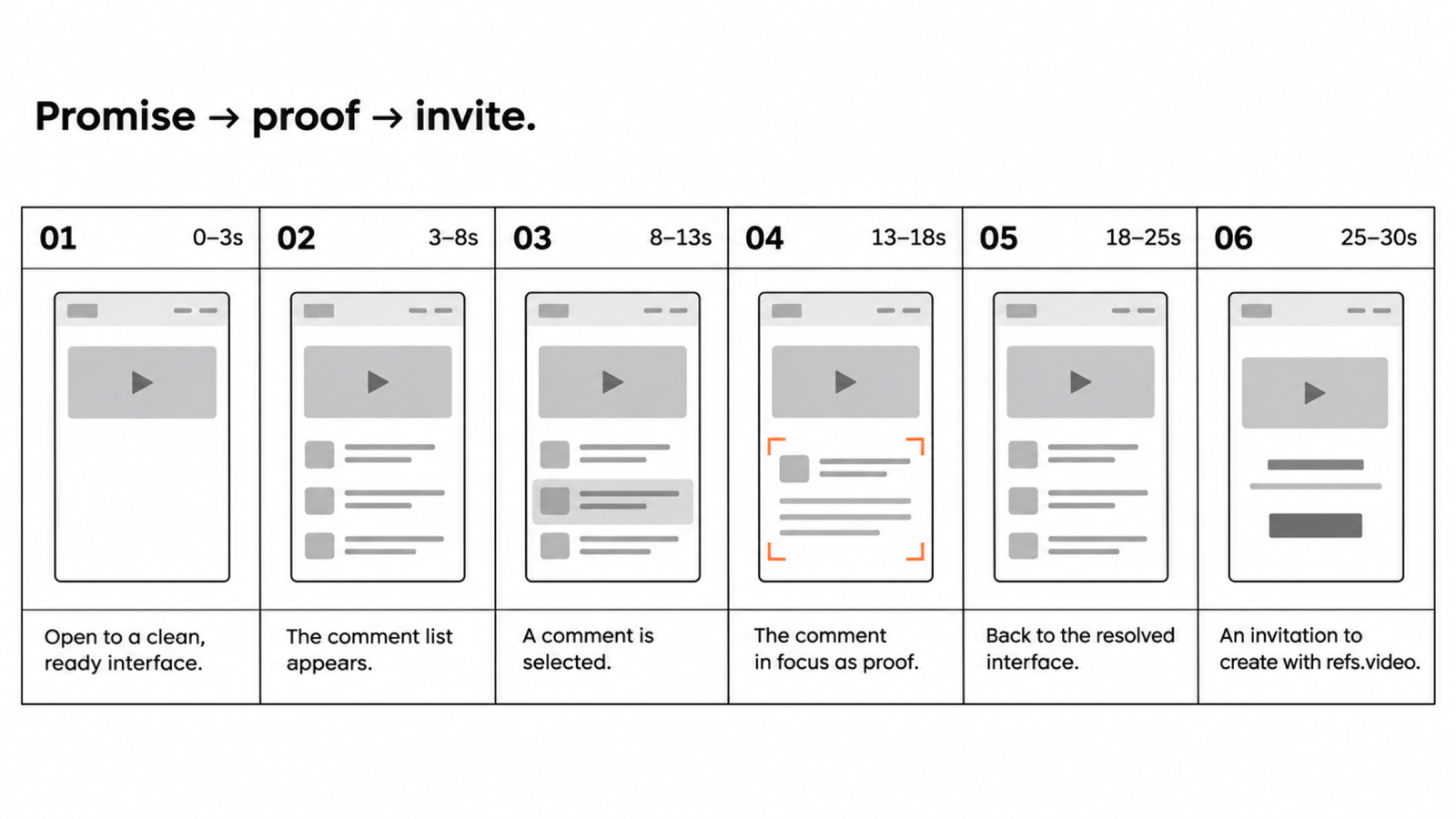
Your primary reference supplies the story structure. Watch it once without pausing and write the sequence in plain language: problem, product appears, one action, result, invitation.
Now watch it again and add timestamps. Identify where the viewer first understands the product, where the strongest proof lands and how much of the runtime remains for the ending.
Choose a reference you can produce with your actual assets. A physical camera move around a translucent device will require a different production process from animating a captured browser window. Similar colours do not make those films interchangeable.
Use formulas when you want to compare narrative structures across several films. Choose the structure that makes your proof easy to follow.
Give every supporting reference one job
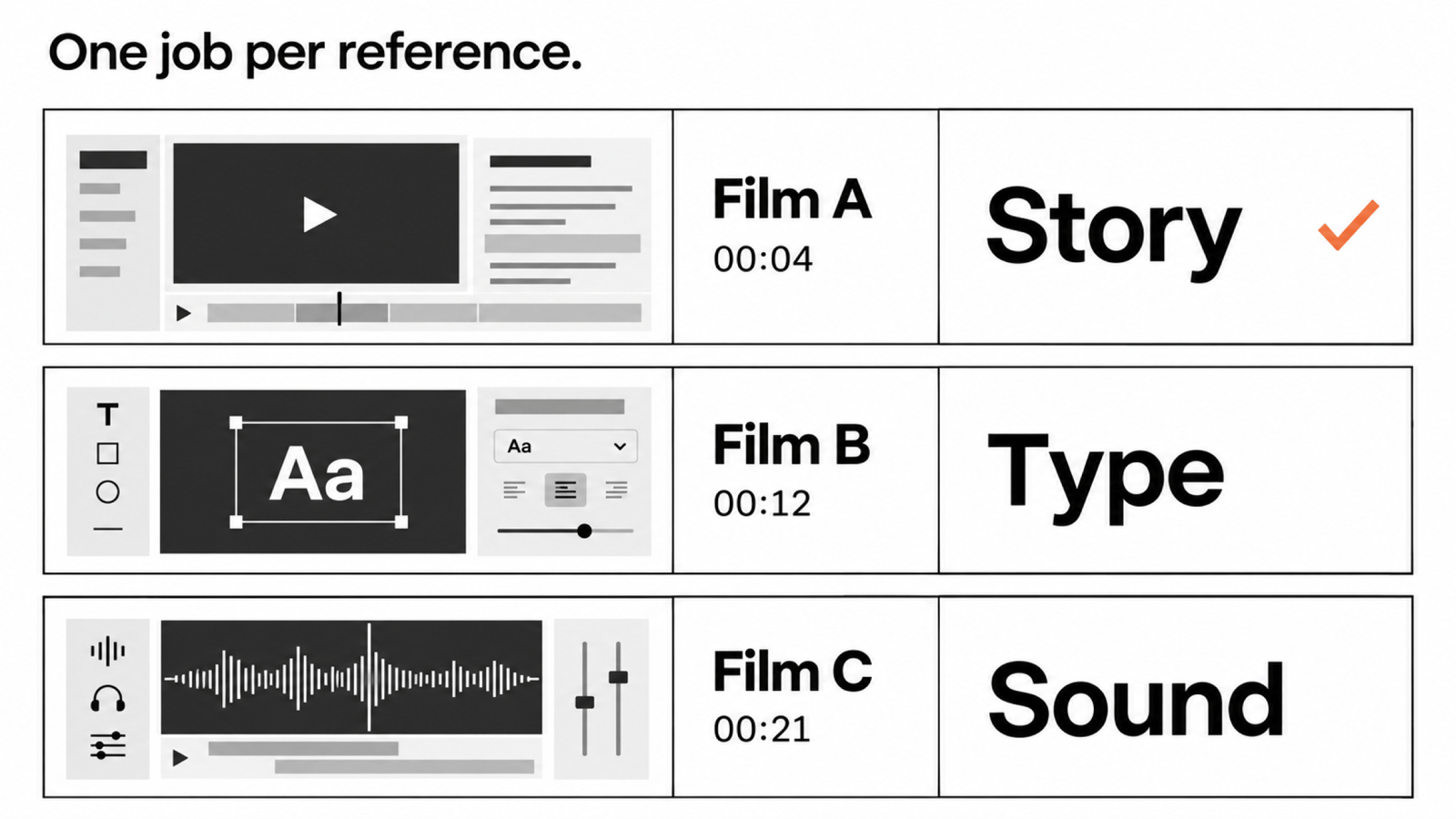
Add a second film only when it solves a named problem. “Use the way this title resolves into the interface” is a workable direction. “Make it feel like these six brands” leaves every decision open.
A small reference worksheet is enough:
| Reference | Timestamp | Its job | Adaptation for our product |
|---|---|---|---|
| Primary film URL | Reveal time | Story structure | Replace its product claim with our feedback workflow |
| Type reference URL | Exact title beat | Opening typography | Use our approved headline and font |
| Sound reference URL | Transition time | Change of energy | Commission or license a cue with a similar role |
The rows above are a template, not claims about specific films. Fill them with the source links and timings you actually observe. If two references disagree, the primary film's story structure wins; your own brand system governs the visual treatment.
Measure the parts that affect the edit
Record the opening length, time to product, shot durations, on-screen word count and ending hold. A screenshot will show a composition, but it will not show how long the viewer needs to read it.
Refs' October 2026 study measured 1,952 landscape launch, teaser and demo films. The median runtime was 53 seconds and the median shot lasted 3.5 seconds. Those are descriptions of that sample, not targets for your film or evidence of conversion performance. Use them to ask better pacing questions, then choose a duration that fits your message.
Turn the shortlist into a brief
Copy this structure into your production document:
Audience: who is watching, and what do they already know?
Promise: one sentence the film must make believable.
Proof: the product action and visible result we will show.
Primary reference: source URL, timestamps, story beats.
Supporting references: one job and timestamp per reference.
Assets: real UI capture, logo, fonts, licensed audio.
Constraints: runtime, aspect ratio, deadline, production tools.
Ending: one next action, with enough time to read it.
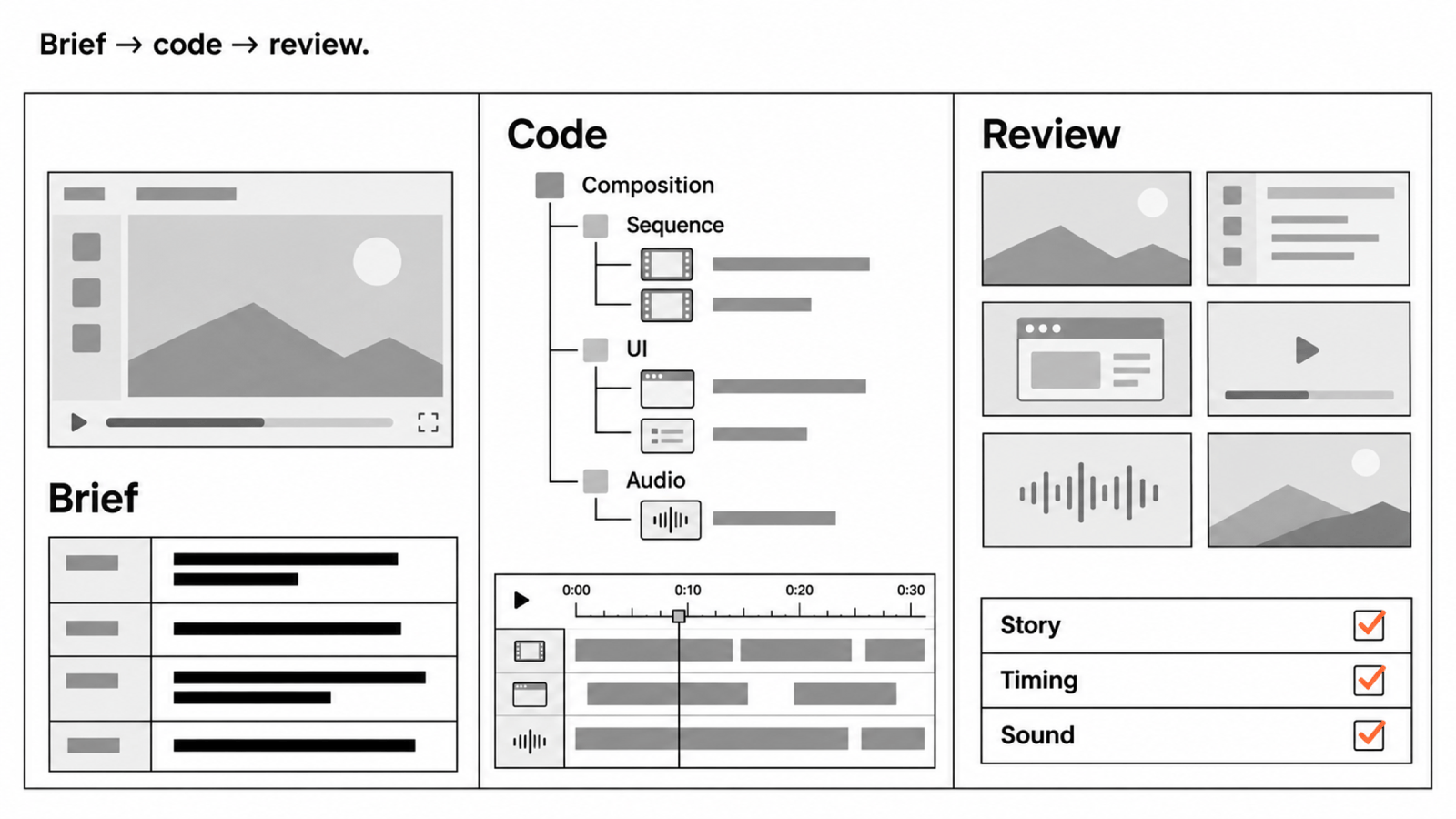
Before building motion, turn the brief into a timed storyboard. If an AI agent will help make the film, give it the source notes and constraints along with the prompt. The quality of that handoff depends on the decisions you have made explicit.
A final reference check
Can you explain why each film is in the shortlist? Can you point to the exact moment you want to learn from? Can you make the proposed shots with your current tools and assets? If an answer is missing, resolve it before animating.
Study the technique, credit the source and build your own expression of it. Finding a reference does not grant permission to reuse its footage, soundtrack, script or brand assets. See how Refs handles sources.